

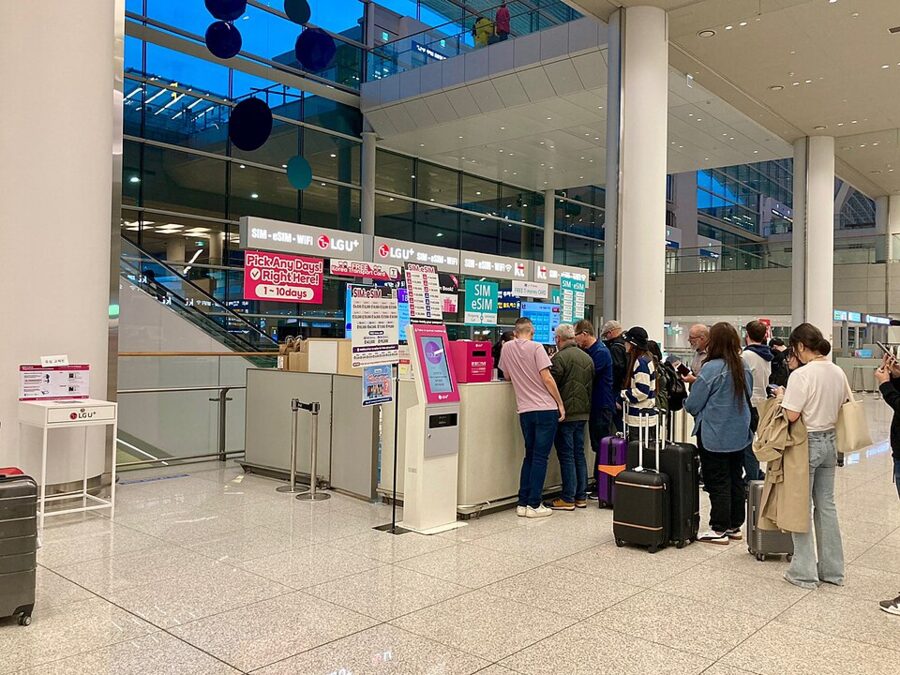
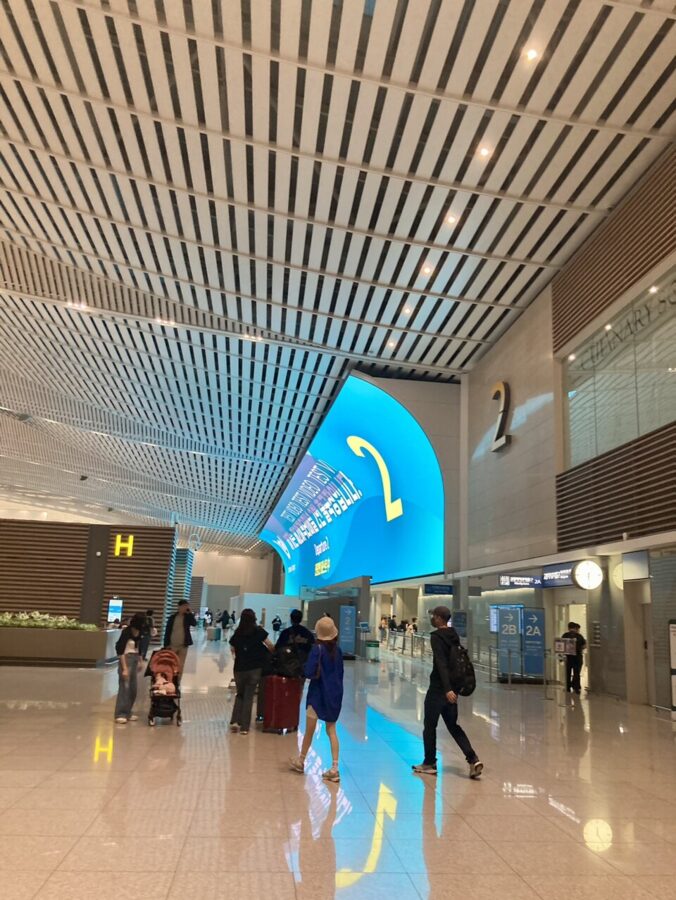
All three Korean networks write the same numbers on their boards at Incheon: KRW 6,500 for one day of unlimited LTE data, KRW 18,000 for three, KRW 38,500 for ten and KRW 71,500 for thirty. KT, SK Telecom and LG U+ each run a desk at both ends of the Terminal 1 arrivals hall, and each keeps one of them open 24 hours. Terminal 2 has 24-hour desks for all three as well. Bring your passport and a phone that is not locked to your Hong Kong network; nothing else is needed for data.
Which one I would buy: an SK Telecom or LG U+ card with a Korean 010 number, because at those two networks the number costs nothing extra, and it is what lets taxi and restaurant apps text you their codes. Buy it as an eSIM the night before and you land already online. Pocket Wi-Fi is KRW 4,400 a day at every network and only earns its keep for a family sharing one connection.
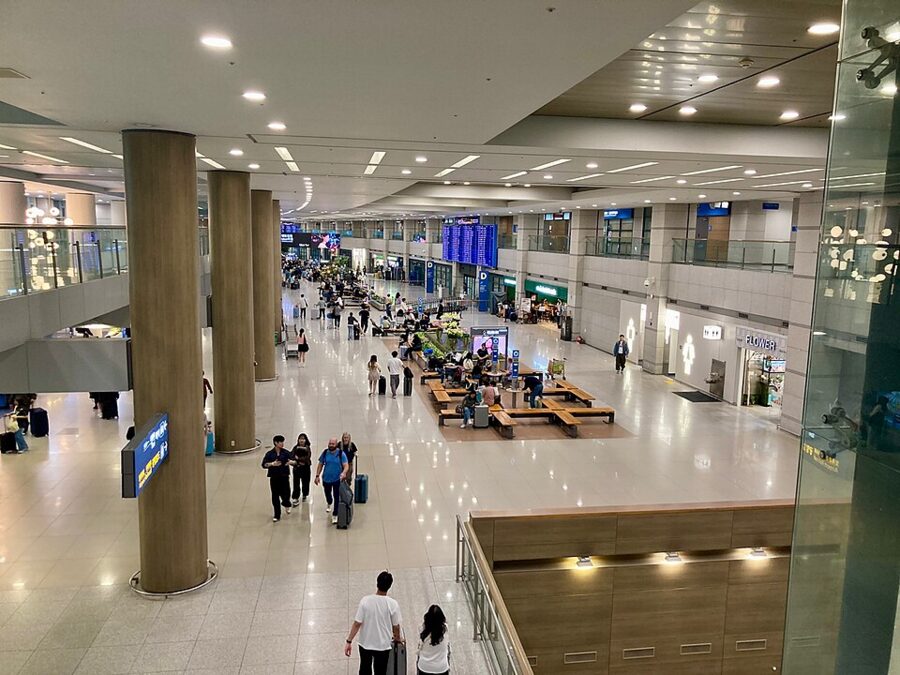

The signs to look for say 로밍센터 (roaming centre). Prices below are the networks’ own, including VAT, checked on their sites in November 2026; counter positions and hours come from the networks and from the airport’s facilities directory (in Korean).


In this article
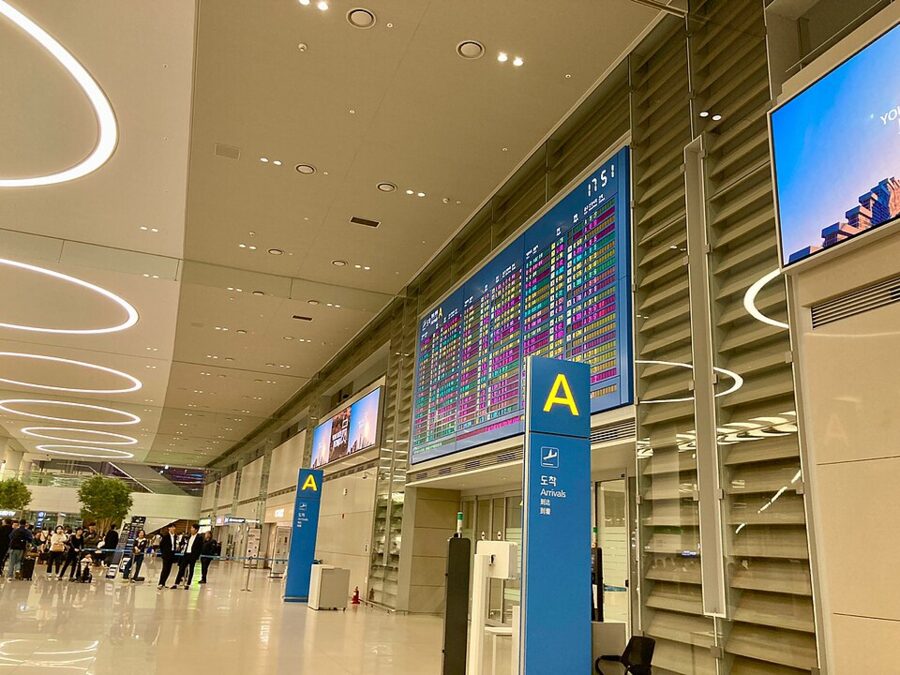
Where the desks are, terminal by terminal
Which terminal you land in depends on the airline. From Hong Kong, Korean Air and Asiana use Terminal 2; Cathay Pacific, HK Express and the rest use Terminal 1. The same split decides where you return a rented router, and where your bags go if you store them: the left luggage at Incheon is also terminal by terminal.
| Terminal, arrivals (Level 1) | KT | SK Telecom | LG U+ |
|---|---|---|---|
| T1, F end (opposite Exit 13) | 24 hours | 24 hours | 24 hours |
| T1, A end (opposite Exit 2) | 06:00–22:00 | 06:00–22:00 | 06:00–22:00 |
| T2 | 24 hours, near Exit 4 | 24 hours, opposite Exit 7 | 24 hours, plus a 06:00–22:00 desk |
The one point where sources disagree is LG U+ in Terminal 2. LG U+’s own site places its 24-hour desk by Exit 3 and its daytime desk by Exit 8; the airport’s directory has them near Exits 4 and 7. They are in the same hall either way, and the pink U+ sign is hard to miss.
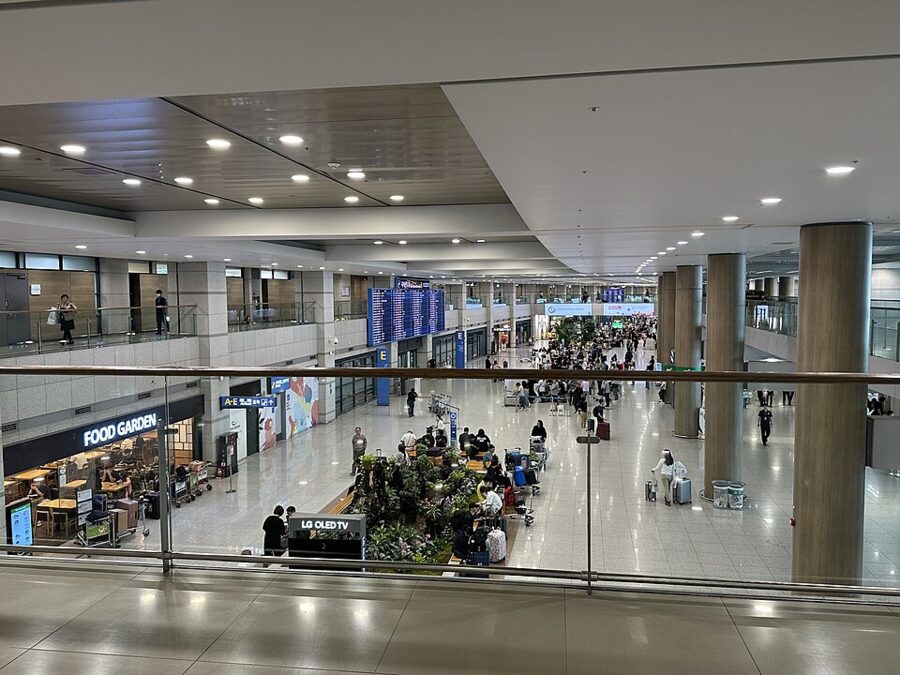
Upstairs on Level 3, the departures floor, all three networks have more desks, but these mostly serve Koreans setting up roaming for a trip abroad. They matter to you on the way home, when you return a router. Two land-side hours to note: KT’s desk near departure entrance 4 in Terminal 1 closes at 14:00, and none of the departures-floor desks opens before 06:00.

What the networks charge
On the common lengths, the three networks charge the same LTE prices to the won. The clock starts at first use and runs in 24-hour blocks, not calendar days: SK Telecom sells three days as 72 hours, so a card switched on at 16:00 runs until 16:00 three days later.
| Unlimited LTE | KT data SIM or eSIM | KT with 010 number | SK Telecom | LG U+ |
|---|---|---|---|---|
| 1 day | KRW 6,500 | not sold | KRW 6,500 (data only) | KRW 6,500 |
| 3 days | KRW 18,000 | KRW 23,500 | KRW 18,000 | KRW 18,000 |
| 5 days | KRW 27,500 | KRW 33,000 | KRW 27,500 | KRW 27,500 |
| 7 days | KRW 35,000 | KRW 40,500 | KRW 35,000 | KRW 35,000 |
| 10 days | KRW 38,500 | KRW 44,000 | KRW 38,500 | KRW 38,500 |
| 30 days | KRW 71,500 | KRW 77,000 | KRW 71,500 | KRW 71,500 |
The difference is what the price includes. SK Telecom’s plans from three days up are the version with a 010 number, a T-money transport card and a palace pass, all at the data-only price. LG U+ sells its data-only and data-and-voice cards at the same price and adds a free T-money card from three days. KT charges KRW 5,500 more for the number, but knocks 10% off its data SIM if you book on KT’s roaming site: KRW 16,200 for three days, KRW 34,600 for ten.
SK Telecom’s figures are its website prices: you book on its roaming site and collect the card at the airport desk. KT and LG U+ both sell over the counter without a booking, and KT’s list above is its airport price.
5G, speed caps and the small print
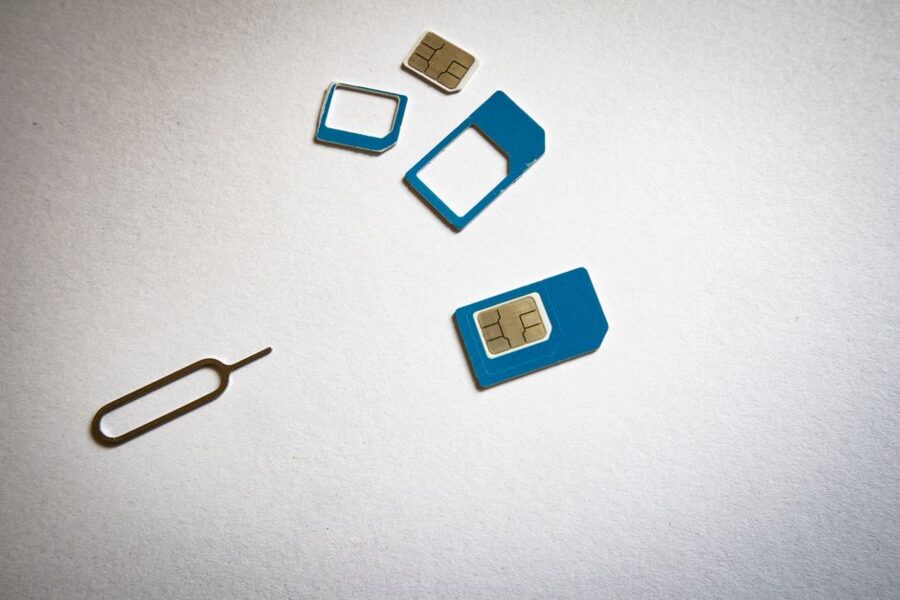
KT’s tourist cards are LTE only. SK Telecom and LG U+ sell 5G versions too, at KRW 25,000 for three days and KRW 81,500 for thirty. LTE is plenty for maps, messaging and video calls, and the cheaper LTE card is what I would buy. SK Telecom limits hotspot sharing on its 5G cards to 1GB a day.
“Unlimited” means different things. SK Telecom says its LTE cards run at up to 100 Mbps with no data cap, and LG U+ advertises no speed cap at all. KT’s cards drop to 5 Mbps after 11GB in a day and reset at midnight, which you will only notice if you stream all evening.
The cards are for short visits. KT and SK Telecom both limit them to stays of 90 days, and KT sells one card with a number per person, plus up to four data cards.
Data only, or a Korean 010 number
A data-only card gives you the internet and nothing else: no number, no texts. That covers WhatsApp, Naver Map and KakaoTalk, and for a three-day shopping trip to Myeongdong it is enough.
A card with a 010 number does two more things. Incoming calls and texts are free, so a hotel, a tour pick-up or a delivery driver can reach you on a Korean number. And it receives SMS codes: LG U+ says plainly that its voice cards work for the text verification that restaurant and taxi booking apps use, and its data-only cards do not.
What no tourist card does is Korean identity verification, the 본인인증 that banking and government sites ask for. All three networks rule it out, and SK Telecom adds that its cards cannot receive payment-related texts either. If an app wants a Korean resident’s ID check, a tourist number will not get you through.
Outgoing calls cost extra on every network. The number arrives with a zero balance and you top up: KT sells top-ups from KRW 5,500 to KRW 55,000, and SK Telecom and LG U+ both charge KRW 4.4 a second for calls inside Korea. A call home to Hong Kong costs KRW 1,049 a minute on LG U+ and KRW 1,386 on SK Telecom, so call home on WhatsApp.
What to bring, and the passport check
- Your passport. It is the only document the desks ask for.
- A phone that is not network-locked. All three networks warn that a locked phone will show no service, and the desk cannot lift the lock for you. Ask your Hong Kong network before you fly.
- A credit card in your own name if you are renting a router.
- For a card with a number, the passport you showed at Korean immigration.
That last point is where Hong Kong travellers trip up. The 010 number only switches on for calls and texts after a passport check that works once you have passed Korean immigration, which KT calls an Entry Check. HKSAR passport, BN(O) or another foreign passport, the rule is the same: verify with the one you entered on, with the name exactly as printed in it.
SK Telecom and KT both let you do the check online, from the voucher’s QR code or SK Telecom’s verification page, between 08:00 and 22:00 once you are through immigration; outside those hours, take the passport to the airport desk. LG U+ publishes no online route, so do it at the desk when you collect the card. KT adds that Vietnamese and Indonesian passport holders must verify at the desk in person. Data works before any of this, so you are not stranded while you wait.
SK Telecom does not sell these cards to Korean passport holders and limits dual nationals to data only; KT’s check turns Korean passports away too.
Buying an eSIM before you fly
All three networks sell eSIMs at the same prices as their physical cards, and this is the way to skip the queue entirely. You buy online, scan the QR code at home on Wi-Fi, and the line wakes up when the plane lands. KT’s data eSIM has to be installed within 90 days of purchase and works only in Korea.
The catch is the number. KT sells its eSIM with a 010 number only at its airport desk; online, you get data only. SK Telecom and LG U+ both sell a data-and-voice eSIM online, and the passport check follows after landing as above. Do not delete the eSIM from your phone during the trip: KT and SK Telecom both say a deleted profile cannot be reissued, and you would be buying a new one.
Pocket Wi-Fi rental
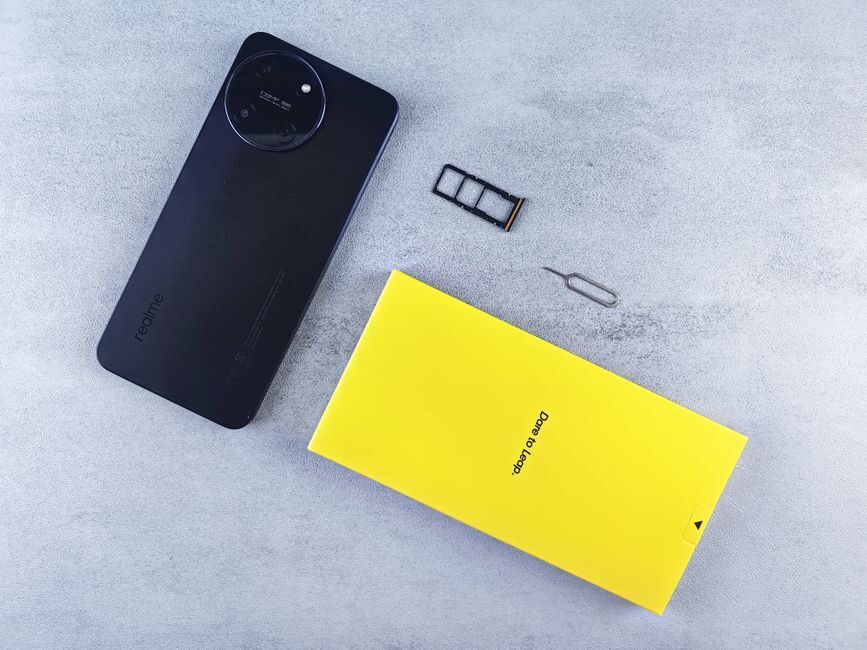
A pocket Wi-Fi router, 포켓 와이파이, is a battery-powered hotspot that several phones and a laptop can share. Every network rents them from the same desks at KRW 4,400 a day, usually settled when you hand the router back.
| KT | SK Telecom | LG U+ | |
|---|---|---|---|
| Day rate at the desk | KRW 4,400 | KRW 4,400 | KRW 4,400 |
| Booked online | not published | KRW 3,300 a day | extra benefits, no rate published |
| Speed | up to 20 Mbps | up to 20 Mbps | 4GB a day, then 5 Mbps |
| Deposit | credit card only | credit card only | credit card, or a debit card with a refundable prepaid deposit |
The deposit is where it goes wrong. KT and SK Telecom both want a credit card in the renter’s own name, and refuse debit cards; KT adds that the card must not expire within three months. LG U+ is the one network that takes a debit card, with the deposit charged up front and refunded.
Booking SK Telecom’s router online at KRW 3,300 a day saves a quarter. Its 30-day online plan is KRW 55,000, and an unreturned router costs KRW 100,000.
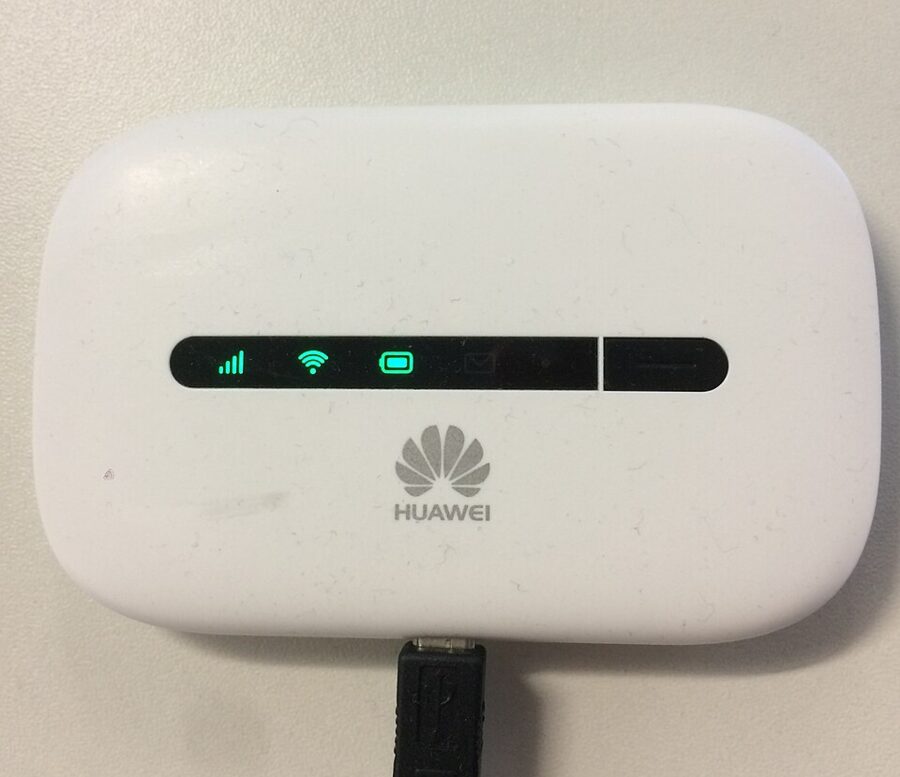

For two people, the arithmetic favours two SIMs. Two three-day LTE cards cost KRW 36,000 and each phone works on its own; a router for three days is KRW 13,200 but one dead battery leaves both of you offline. The router wins for a family of four, or for anyone carrying a laptop and a tablet.
Returning the router
You return the router at a roaming centre on your way out. SK Telecom takes its routers back at any of its airport desks, and LG U+ lets you choose the return airport when you book. LG U+ warns that the daily fee keeps running until the router is back on the counter.
Mind the hours if you fly home late. The departures-floor desks in both terminals close by 22:00, and Cathay’s red-eye to Hong Kong leaves Terminal 1 at 01:55. Drop the router at a 24-hour desk on the arrivals floor before you go up to check in.

Roaming on your Hong Kong number instead
For a day or two in transit, the simplest answer is your own network’s roaming day pass for Korea: no counter, no swap, and your +852 number keeps receiving your bank’s SMS codes. Whether your line is a contract plan or one of the Hong Kong prepaid SIM cards, the Korea day rate is on your network’s roaming page. Set it against the Korean card: KRW 6,500 for a single day, falling to KRW 3,850 a day on the ten-day plan.
Side by side, and my pick
| Best for | Three days | Korean number | Catch | |
|---|---|---|---|---|
| SK Telecom LTE SIM or eSIM | Most visitors | KRW 18,000 | Included | Book online first |
| LG U+ LTE SIM or eSIM | Walk-ups, debit-card holders | KRW 18,000 | Included | No online passport check published |
| KT data SIM or eSIM | Data only, booked online | KRW 16,200 online | KRW 5,500 extra | Slows after 11GB a day |
| Pocket Wi-Fi | Families, laptops | KRW 13,200 | None | Credit card deposit, return it |
| Hong Kong roaming pass | One or two days | Depends on your plan | Your +852 number | Check your plan’s day rate |
My pick is SK Telecom’s LTE eSIM with voice and text, bought on its website the night before you fly. KRW 18,000 for three days buys the number, a T-money card and the palace pass at the data-only price, there is no daily cap, and between 08:00 and 22:00 the passport check can be done on your phone in the queue for the train. Take the physical SIM instead if your phone has no eSIM.
From the desks, go down to the Transportation Center, where the AREX trains to Seoul Station leave. If your bags are going into a locker in the city rather than staying at the airport, the left-luggage lockers in South Korean stations are the next thing to sort out.
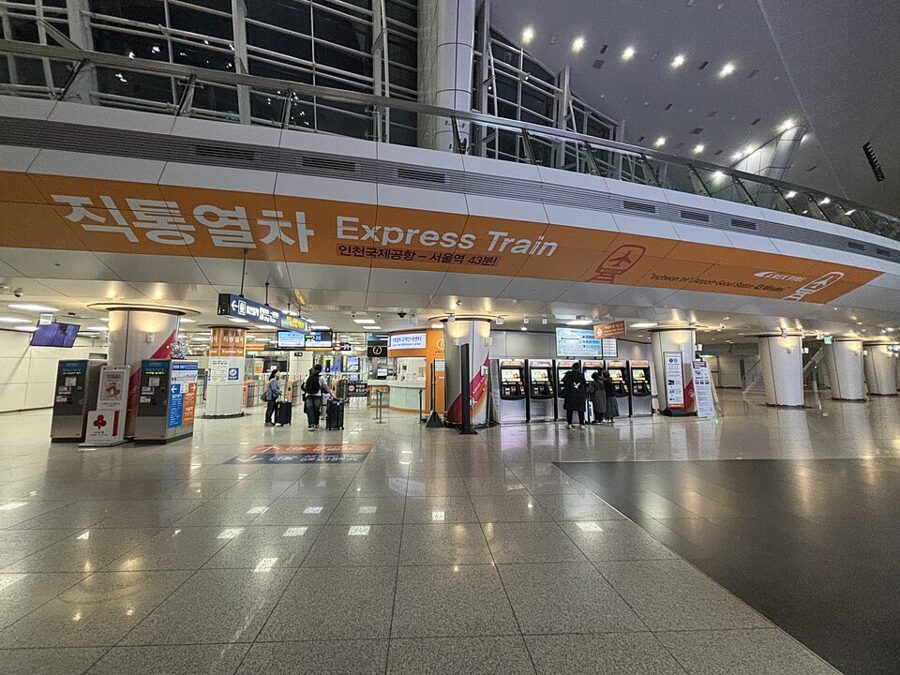

Book the eSIM on SK Telecom’s roaming site tonight, install it on home Wi-Fi, and keep the passport in the jacket pocket for the check after immigration. By the time you reach the F end of the arrivals hall, the queue at the desks is someone else’s.